Intro#
I have been running TREK v2.9.0 for a while now and I really like it. So when I saw that 3.0 just dropped, I had to update. The update was really easy. Just had to swap the Docker image since it moved to mauriceboe/trek on Docker Hub. Remove the old container, pull the new image, and everything just worked. No manual migration, no database drama, nothing. My data was still there and TREK came right back up.
And man, this is not a minor patch release. This is a whole new app on top of the old one.
What is TREK?#
If you have never heard of it: TREK is an open-source (AGPL v3) travel planner that you run on your own server. Think of it as a self-hosted alternative to Wanderlog or TripIt, but with features those services do not even have.
Out of the box you get:
- Drag & drop trip planner with day-by-day organization
- Interactive maps with place search (Google Places or OpenStreetMap)
- Real-time collaboration
- Budget tracking, packing lists, reservations (flights, hotels, restaurants)
- SSO via OIDC
- PWA support
- 15 languages
- Built-in MCP server so AI assistants can interact with your trips
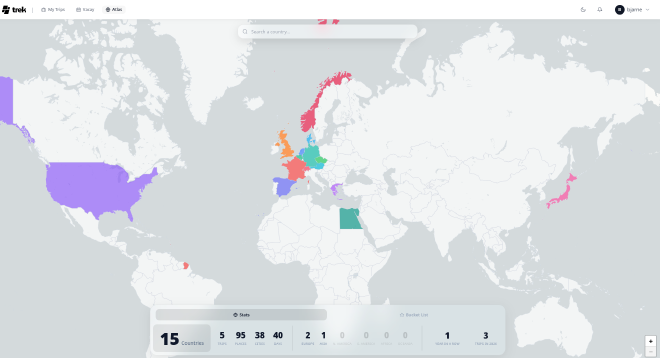
- Atlas to keep track of where you’ve been and where to go
The Big 3.0 Highlights#
Journey - A Travel Journal#
This is the headline feature. Journey is a new addon that turns your trips into magazine-style travel stories. You get a timeline view, a photo gallery, and a map view, all tied to your trip data.
What I really like about this:
- Link trips to journeys - skeleton entries and photos are synced automatically from your trip planner
- Photo browser for Immich and Synology Photos - browse by date range or album, with duplicate detection
- Upload photos directly - drag and drop, reorder, delete
- Public share links - send a read-only link to friends and family, no login required
- PDF photo book export - Polarsteps-inspired layout with cover, day chapters, photo grids, and stories
If you are self-hosting Immich or Synology Photos already (and let us be honest, if you read this blog, you probably are), this integrates beautifully.
Mapbox GL - 3D Globe and Terrain#
Leaflet has been the map renderer in TREK from the start, and it still works great. But now you can switch to Mapbox GL JS as a first-class alternative.
Why would you? Because you get:
- A 3D globe that rotates when zoomed out and switches to mercator when you zoom in
- 3D terrain and buildings on Standard and Satellite styles
- Great-circle arcs for flights and cruises on the transport reservations overlay
- Full feature parity with the Leaflet renderer (trip routes, GPX, place markers, the works)
You just need a free Mapbox access token and toggle it in Settings > Map.
Offline PWA Mode#
TREK now works offline as a Progressive Web App. Yes, actually offline - not just “caches the page” offline.
It uses IndexedDB (via Dexie) to store trips, places, reservations, budget items, packing lists, and more locally. Changes you make offline go into a mutation queue and get replayed when you reconnect. There is even an offline banner so you know when you are working locally.
If you are traveling and your data connection is spotty (or nonexistent), this is a lifesaver.
Dashboard Redesign#
The dashboard got rebuilt from the ground up with a mobile-first design.
On mobile you now get a greeting header with your name, a spotlight hero card for your next upcoming trip (with a progress bar if it is ongoing), quick action cards, and trip cards with status badges. On desktop it is a unified grid with hover actions and the same visual language across dashboard, planner, and journey.
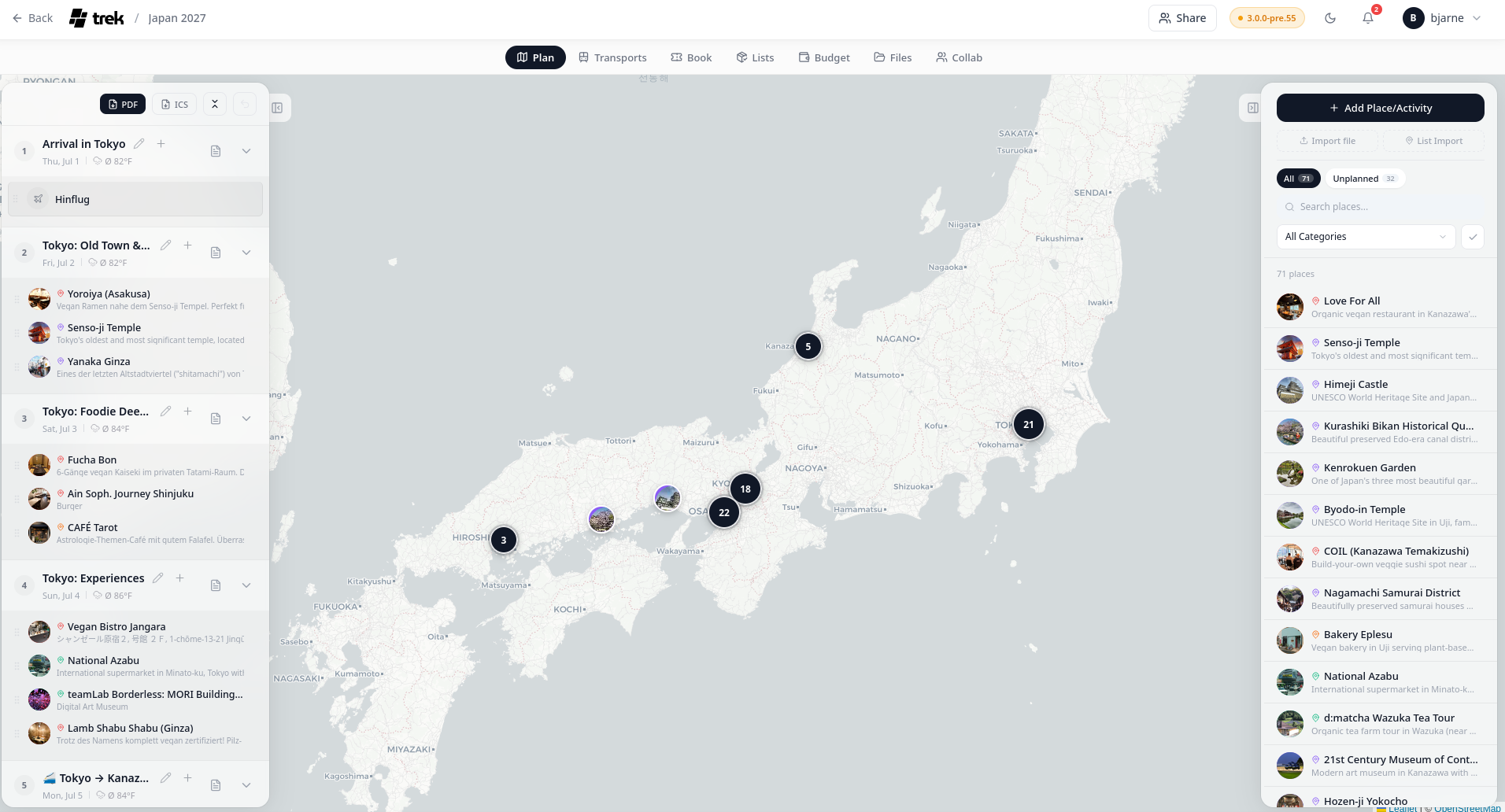
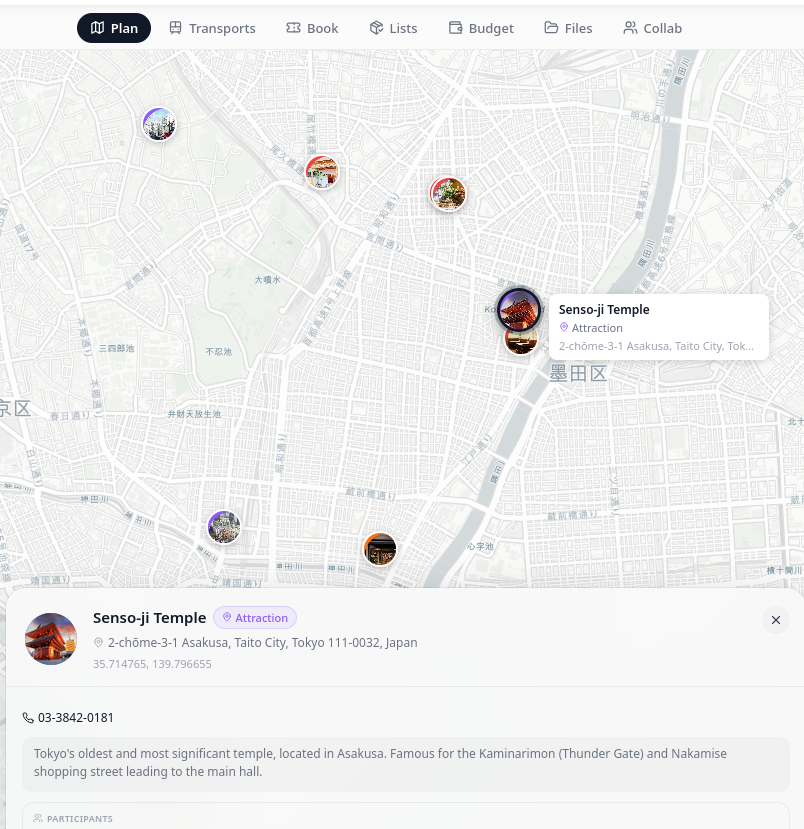
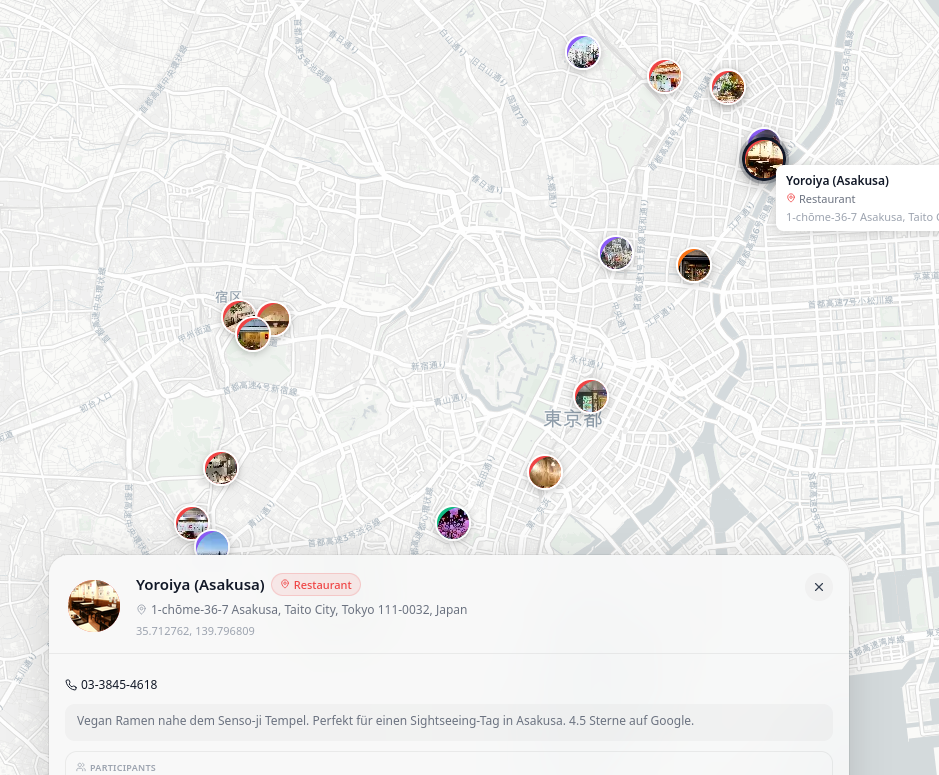
But the dashboard is also still very nice on the big screens. You can see one of my planned trips with different kinds of restaurants, attractions, parks, and so on on the right side, which are then drag&dropped in the day where we want to visit it on the left side.
MCP with OAuth 2.1#
The MCP (Model Context Protocol) server got a complete security overhaul. It now runs a full OAuth 2.1 authorization server with PKCE, authorization codes, token rotation, and replay detection.
There are 27 granular scopes across 13 permission groups (trips, places, atlas, packing, budget, reservations, collab, and more) with per-scope read/write/delete control. So you can give an AI assistant access to read your trips but not delete them.
I will go more in detail about how to use the MCP server for AI agents in a later post.
Place Import: KMZ, KML, and Naver Maps#
Three new ways to import places:
- KMZ/KML import - drag and drop with folder-to-category mapping and deduplication
- Naver Maps list import - handles shortlinks and pagination
- Selective GPX/KML import - pick individual waypoints instead of importing everything
And There Is More#
I am barely scratching the surface here. Other notable additions include:
- Transport reservations now span multiple days with map visualization
- ntfy as a notification channel - push notifications to any self-hosted ntfy server
- Apple Wallet .pkpass support - attach boarding passes to bookings
- Todo due-date reminders via email, webhook, or ntfy
- Granular auth toggles in the admin panel (password login, registration, SSO login, SSO registration - all independently toggleable)
- Collab sub-feature toggles - enable/disable chat, notes, polls individually
- Budget drag-and-drop reorder and improved category legend
- Search autocomplete in the place search field
- Indonesian language added (now 15 total)
- Fifth-pass security audit with critical fixes for JWT, OIDC, OAuth, and more
Atlas#
The atlas feature is a nice simple bucketmap management, where trips are automatically marked as visits. You can easily retrace past vacations and you can quickly see ewhat places you have never visited yet.
Export your trip#
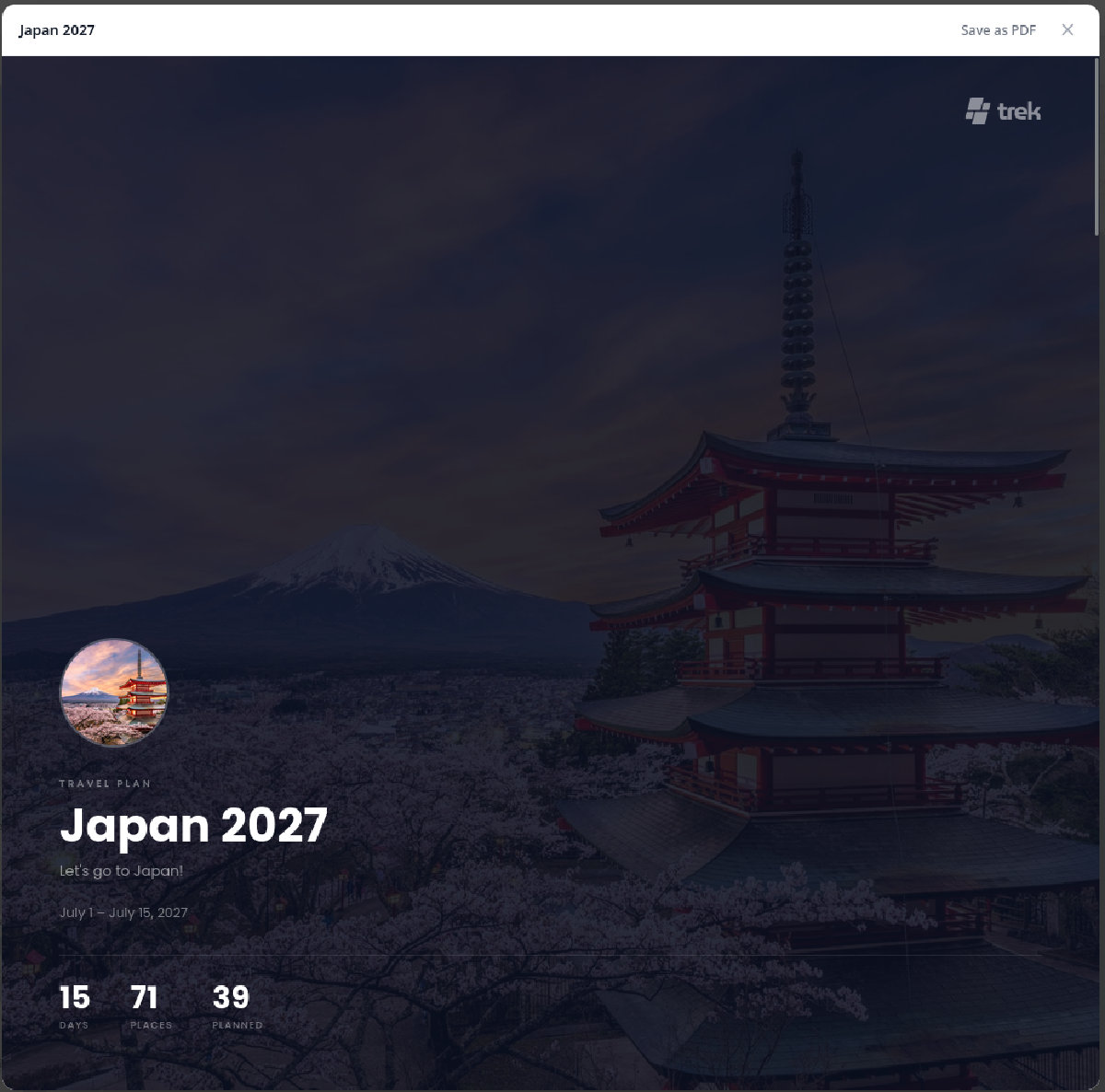
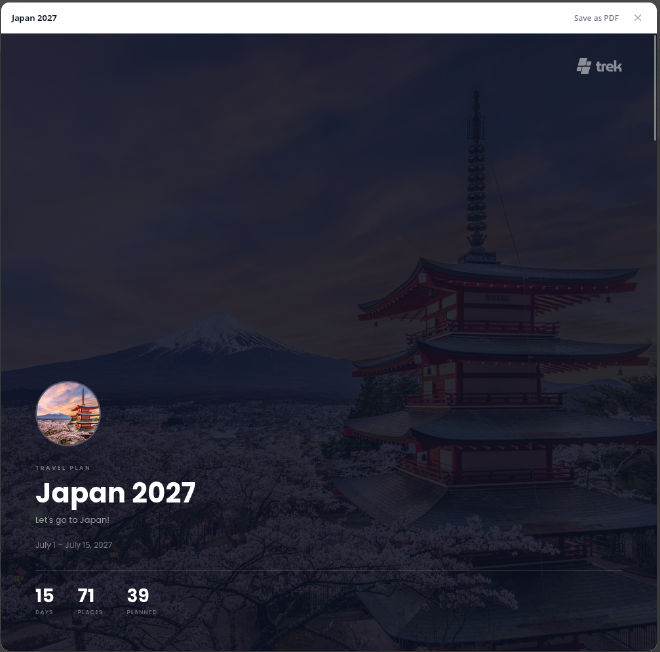
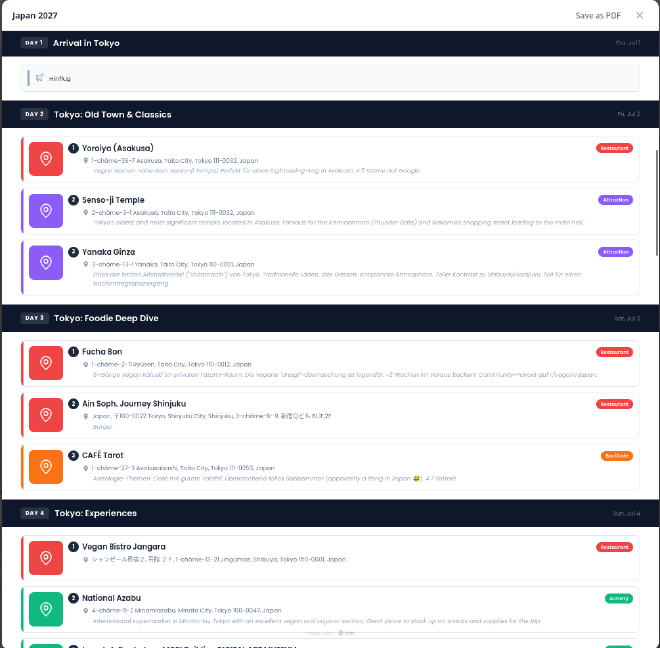
For when you know you have a spotty internet connection or when you want to have something printed out in your hand, you can also export your trips to PDF. You get a nice cover image (if you have provided one) and a detailed description of your planned attractions, restaurants, etc.
Hosting TREK Yourself#
If this made you want to try it out, I wrote a separate guide on how to set it up with Docker and nginx:
If you just want to poke around first, there is also a public demo.
Wrapping Up#
TREK 3.0 is a serious release. The Journey addon alone is a full app inside an app. Add Mapbox GL, offline PWA, OAuth 2.1 for MCP, the dashboard redesign, and a mountain of smaller improvements - and you have got one of the most feature-rich self-hosted travel planners out there.
Huge thanks to mauriceboe and all the contributors for this release. Check out the TREK repository on GitHub and the full release notes. And if you like the project, maybe buy the developer a coffee, they have really done an amazing job!
Happy vacation and short trips (and happy self-hosting).